Table of Contents
Interface description
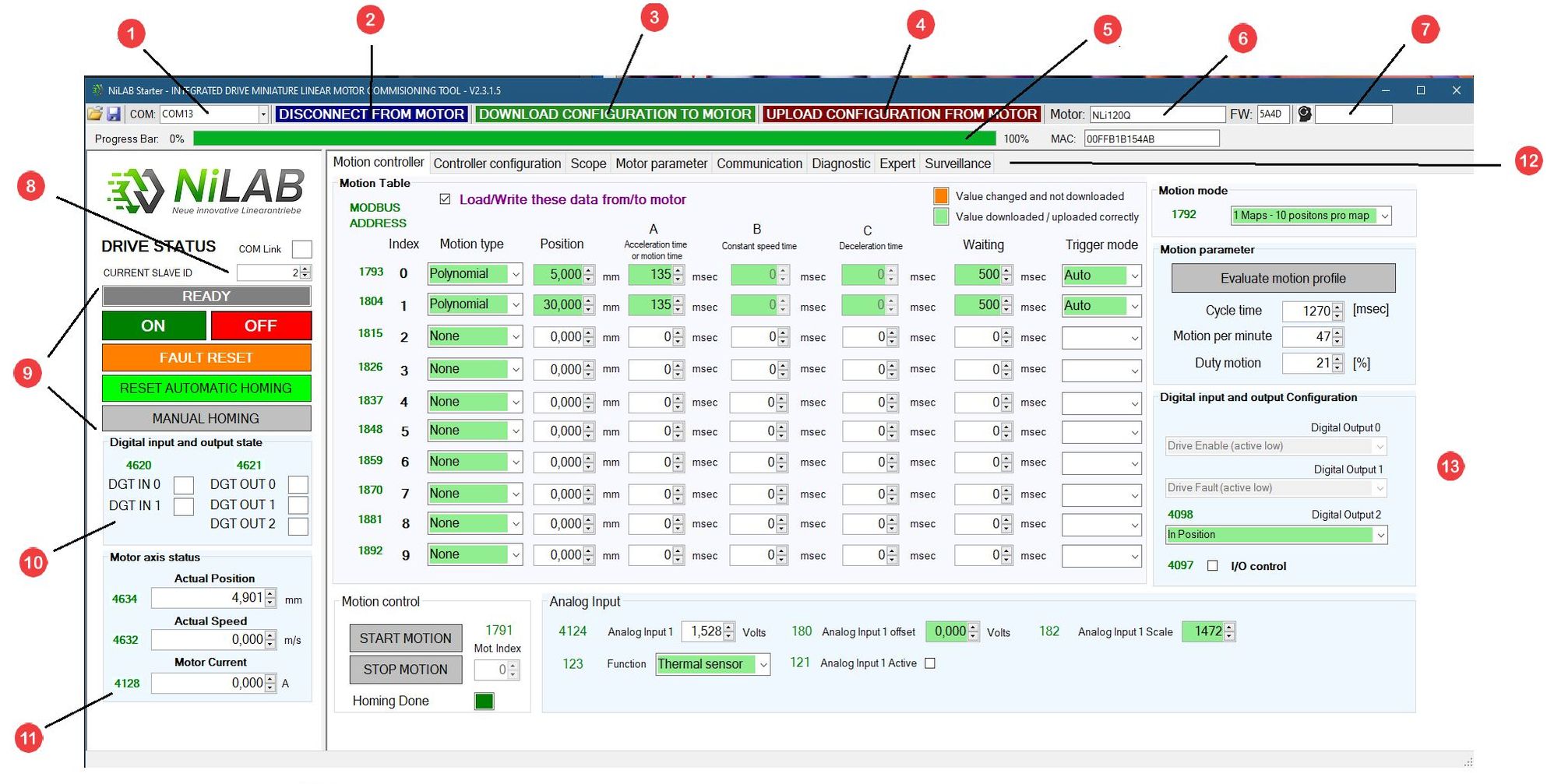
Overview
- Communication Port (example: COM2, COM3,..)
- Button to establish a communication with the motor
- Button to donwload the configuration from the interface to the motor
- Button to upload the configuration from the motor to the interface
- Progress bar that indicates the percentage of download or upload procedure
- Motor type detected (ex: NLi120Q or NLi080Q)
- Field to insert the password for expert mode
- Current slave ID
- Drive status and buttons for switch on and off, fault reset and homing procedure
- Status of digital inputs and outputs
- Status of motor axis (position, speed and current)
- Windows selection (motion, controller, scope, motor parameter, communication, diagnostic, espert and survelliance)
- Motion table window
How to download and store the current interface data
The user can connect to the motor using differernt COM ports, donwloading and uploading the data stored inside the intergated drive motor memory.
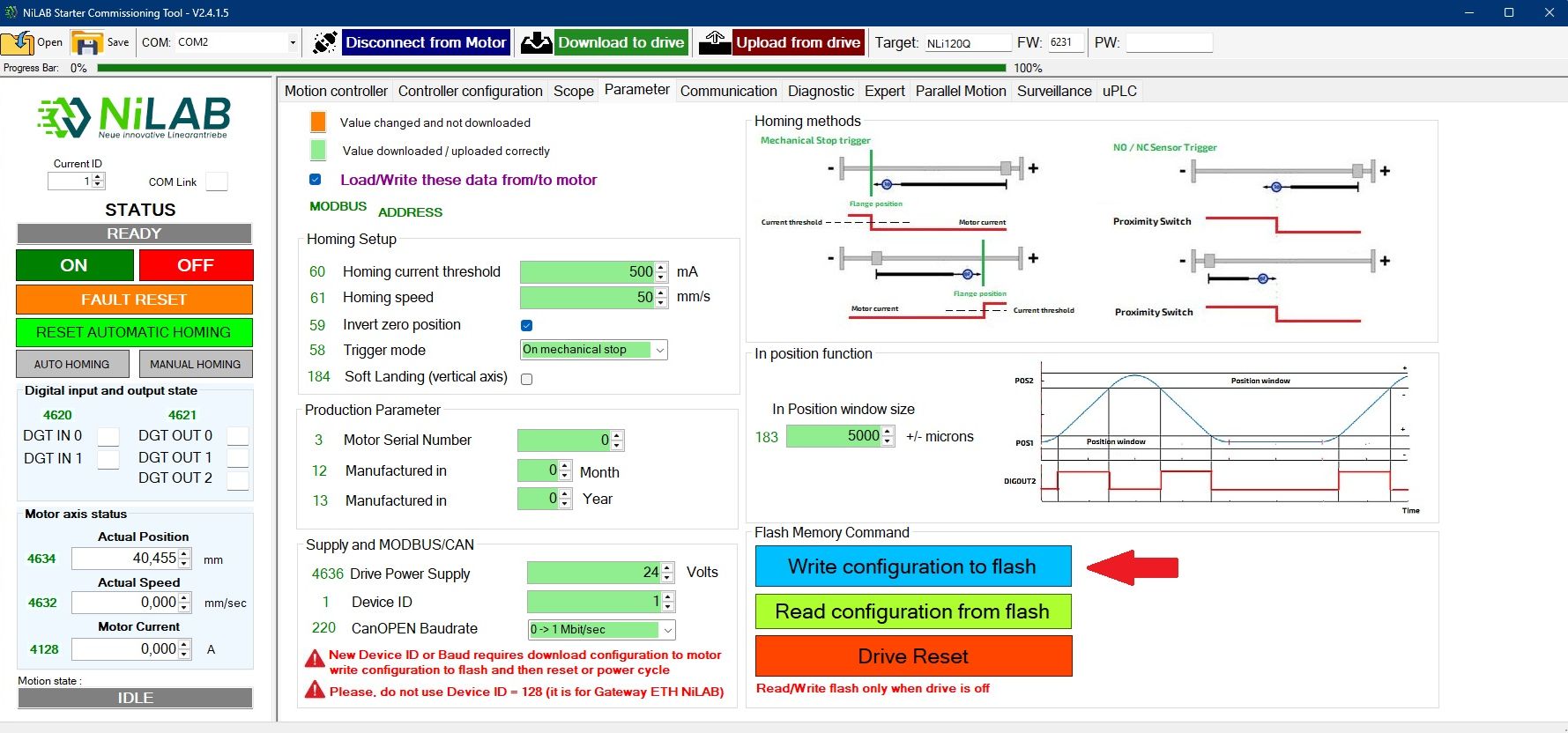
Any change regarding the numbers inside the configuration windows requires to press the download to the motor button to update the configuration inside the memory of the motor. When some parameters change, the color will change to orange to underline which numer has to be downloaded inside the motor. After the download the color of the paramters must always be green. PLEASE IN ORDER TO STORE PERMANENTLY THE CONFIGURATION - PRESS THE WRITE CONFIGURATION TO FLASH