Action unknown: siteexport_addpage
meta data for this page
SBD Servo Drive
SDSetup software is used to configure SBD drive: :green_drive_motors:sdsetup.zip
EtherCAT version ESI file: :green_drive_motors:cmz_sbd_etc.zip
TwinCAT application note: :green_drive_motors:sdsetup-twincat_cmz_en.pdf
CanOPEN version EDS file: :green_drive_motors:sbdcan.zip
ProfiNET version GSDML file: :green_drive_motors:gsdml_sbd_ssd.zip
TiA Portal application note: :green_drive_motors:cmzdrivespnt_tiaportal.zip
1) Specify a new motor using
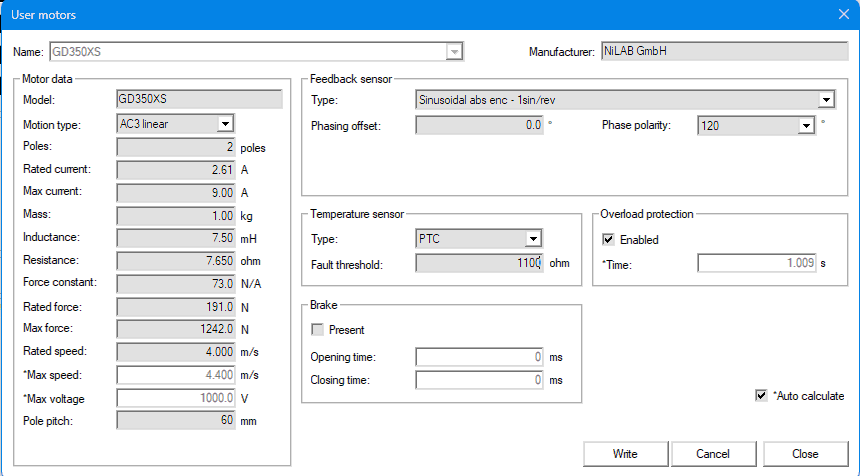
A new motor can be added using File ⇒ User motors ⇒ Manage. UseDatasheet Engine to view the motor parameters.
Here below, for example the GD350XS motor parameters.
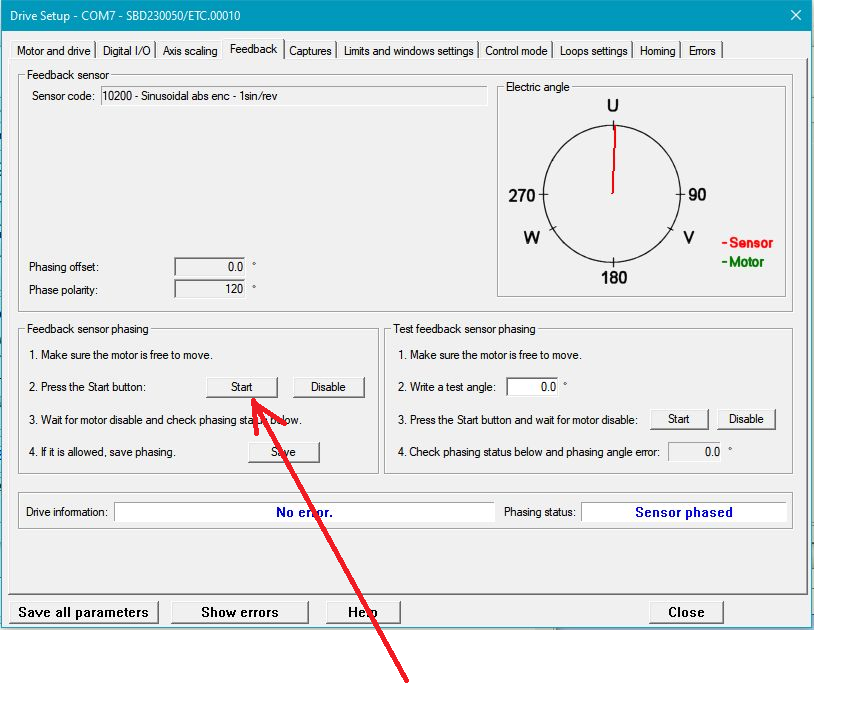
2) Phasing the motor
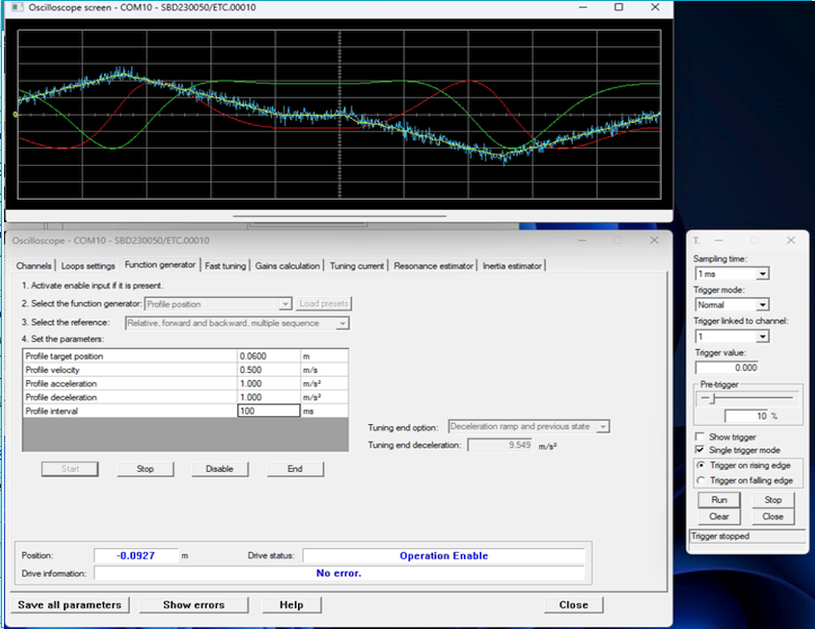
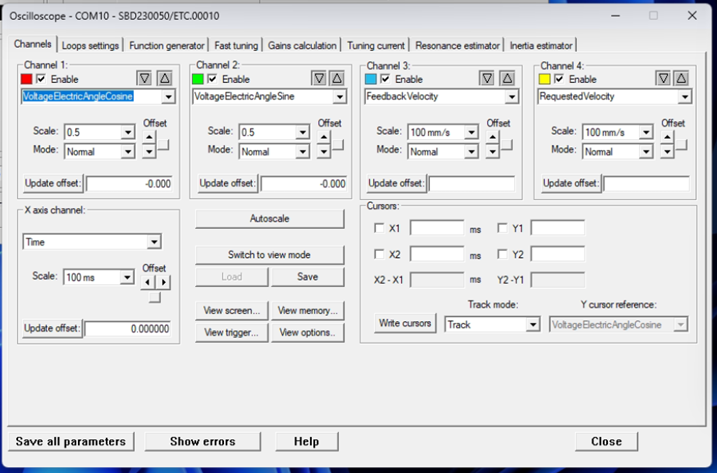
3) Tuning the motor
Using function generator, specify a motion profile
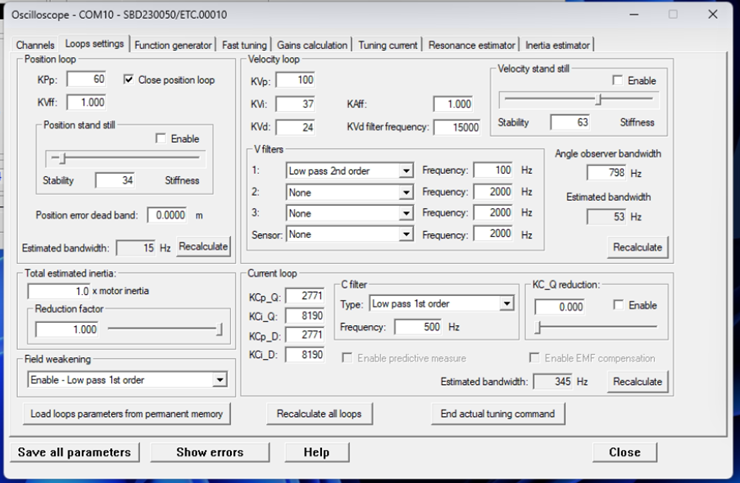
4) Example of loop settings