

meta data for this page
Motor indentification on modbus
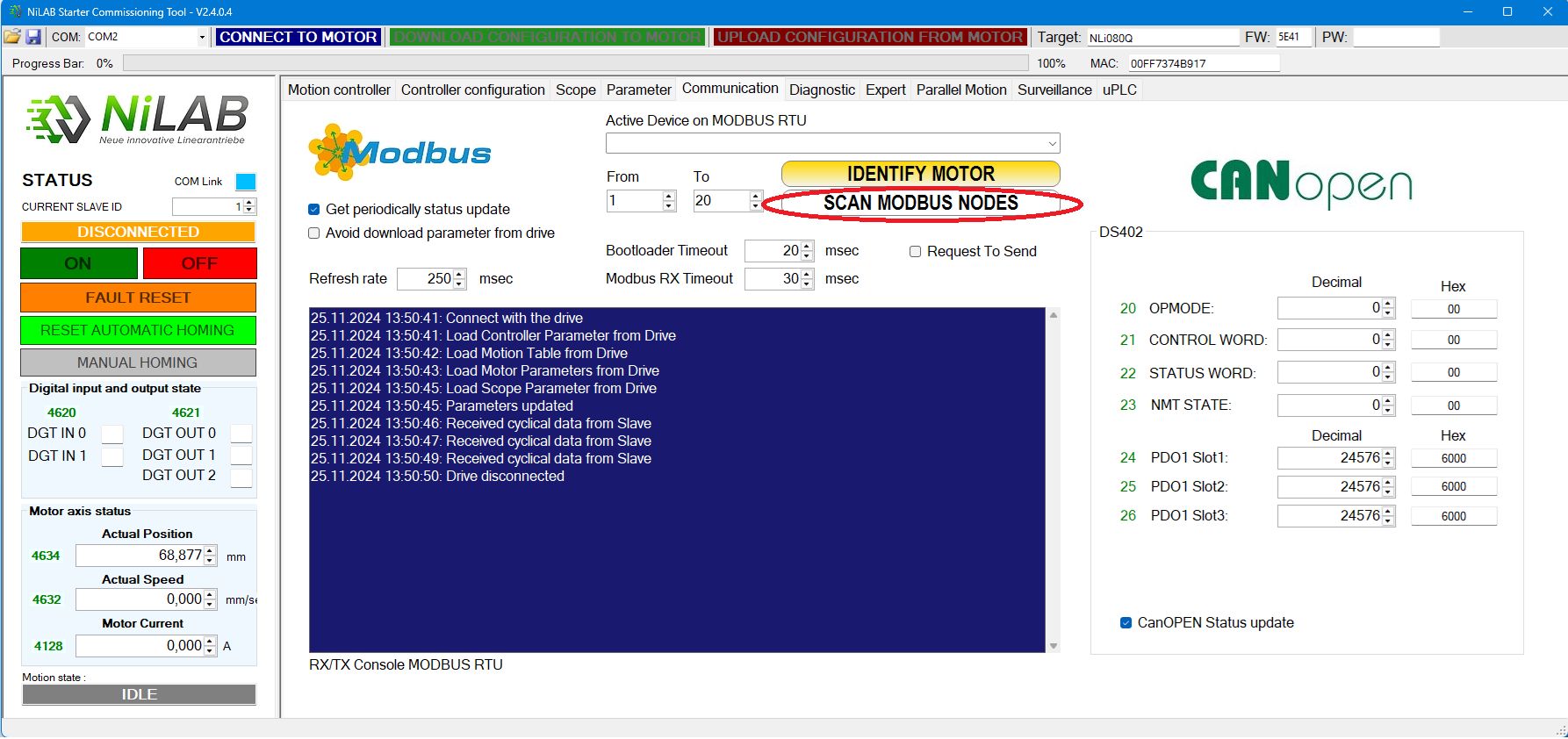
In order to identify the motor on the Modbus communication bus, please start the scan procedure press the button Scan Modbus nodes.
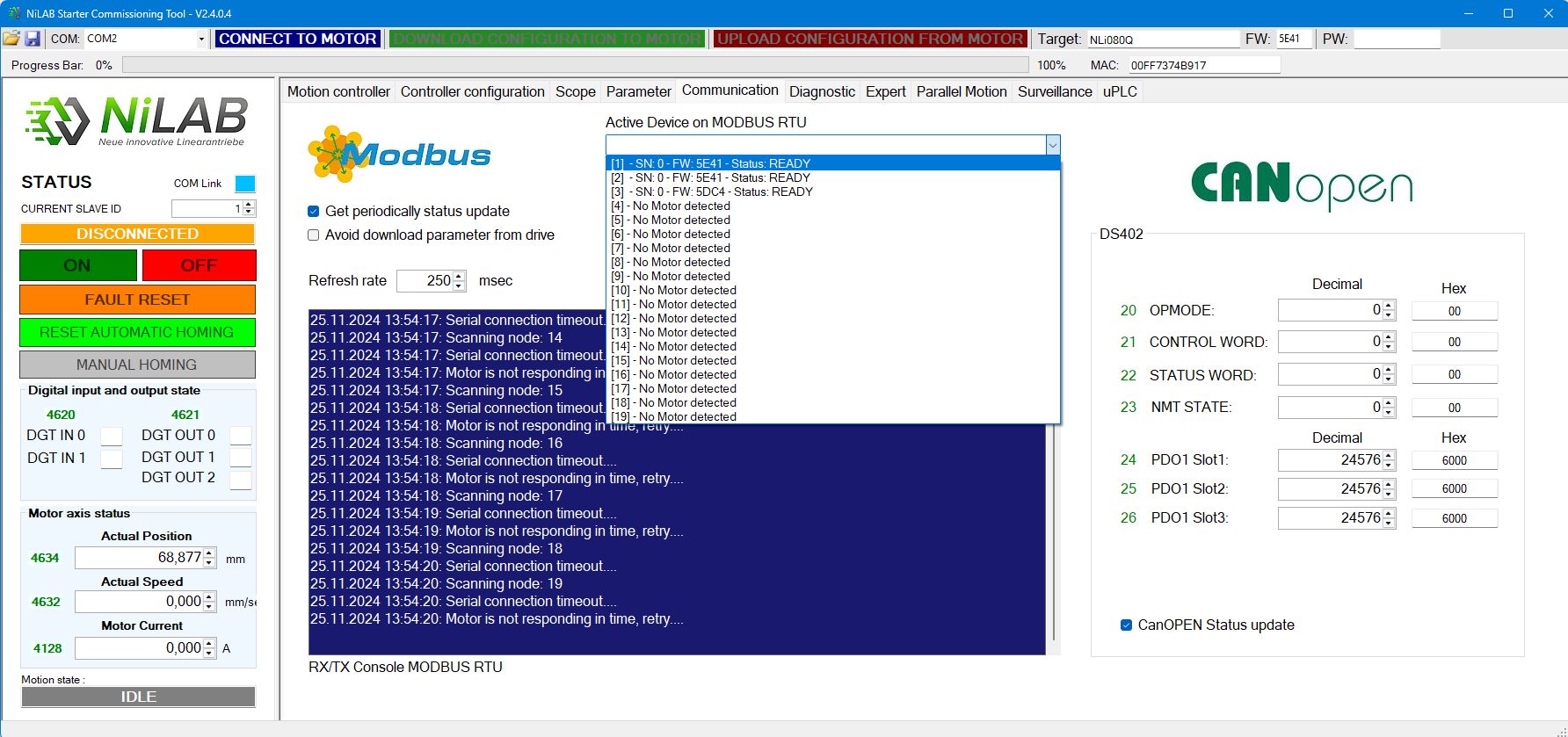
Please, select one of the motor in the active device list. For example n.1
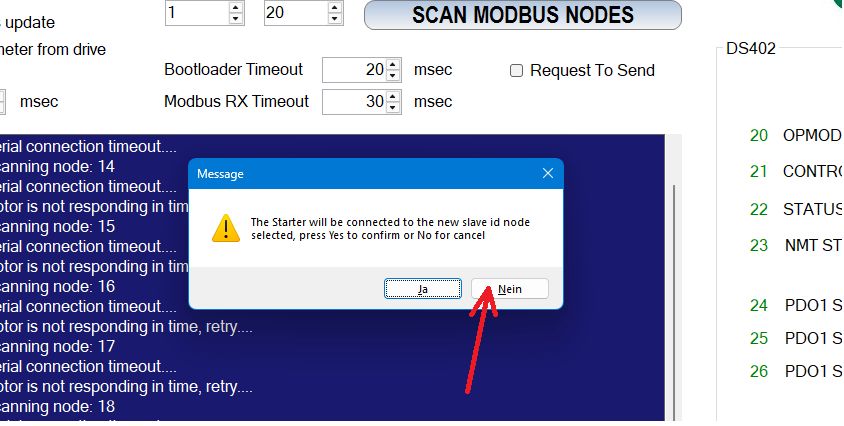
Press No on the window to avoid the connection of the interface to the selected node id.
Please press the button IDENTIFY MOTOR to start the identification process.
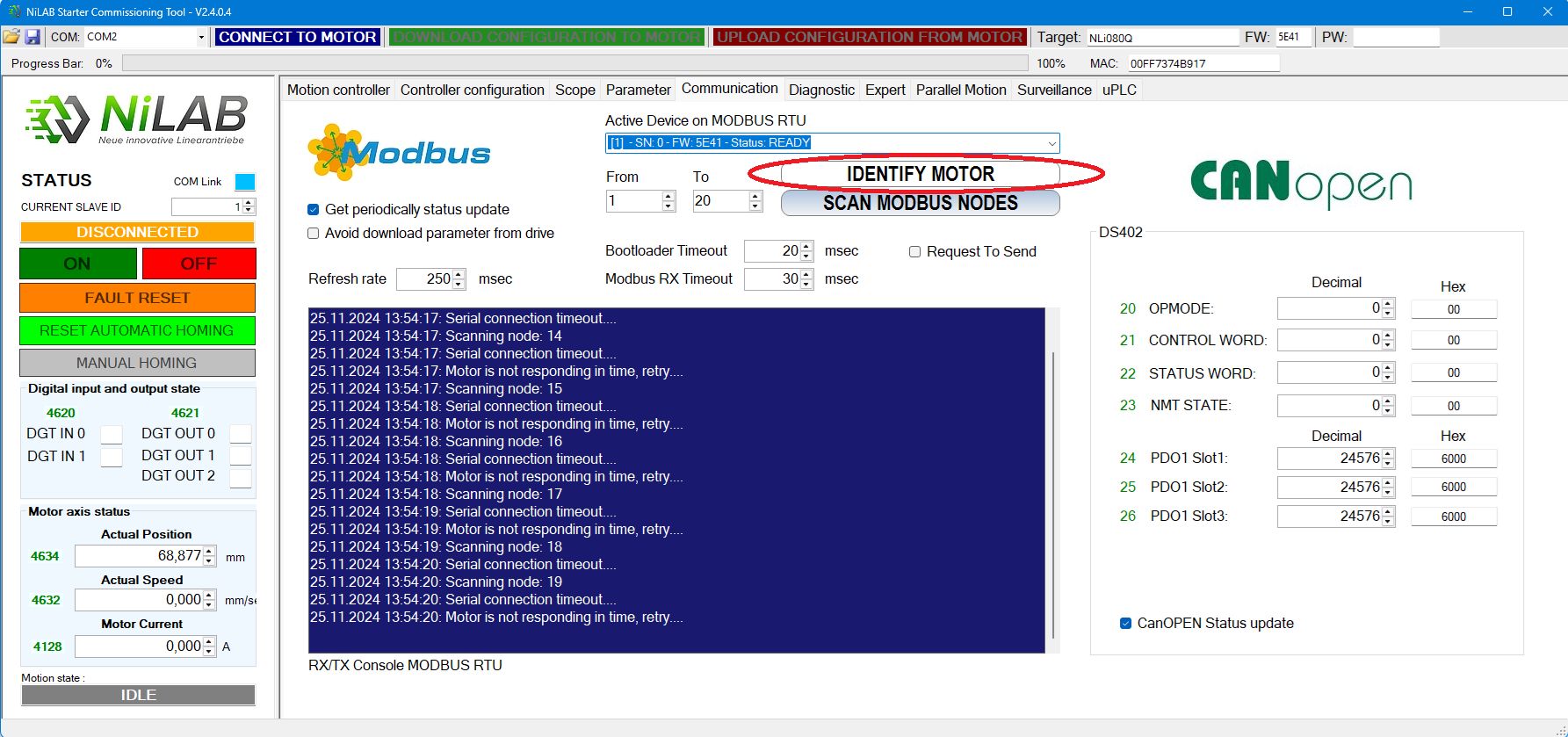
The red and green LED on the motor, indicating its identification, blinked alternately for 3 seconds. This happened at every identification request.