meta data for this page
Starter interface windows
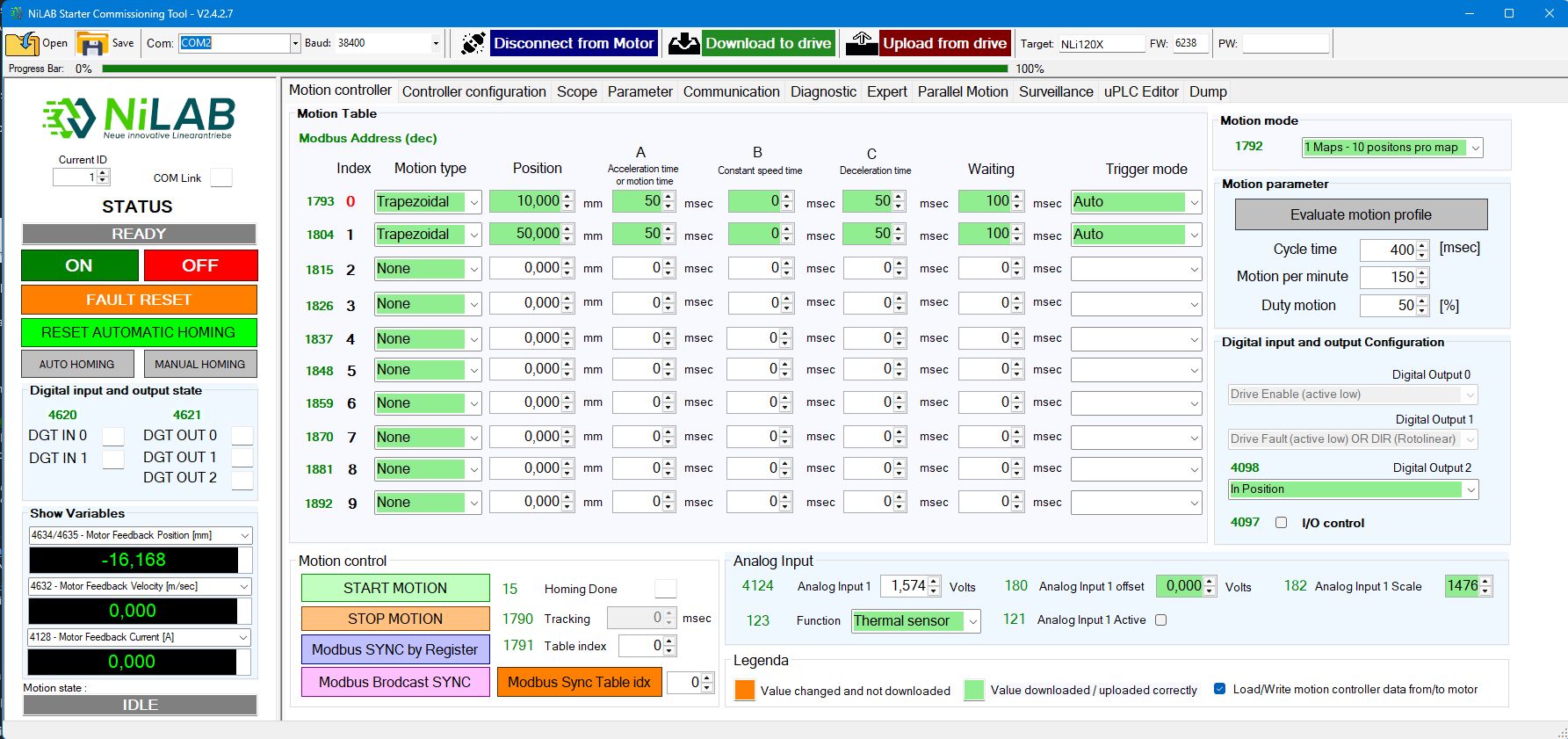
Motion Controller
Simple motion programming based on a motion table, with several motion types available (triangle, trapezoidal, sinusoidal, polynomial, and force control).
Each row of the table is independently configurable with a position target, acceleration/deceleration time, waiting time, and trigger mode.
Four motion table modes are available: 1 table with 10 positions, 2 tables with 5 positions per table, 3 tables with 3 positions per table, and 5 tables with 2 positions per table.
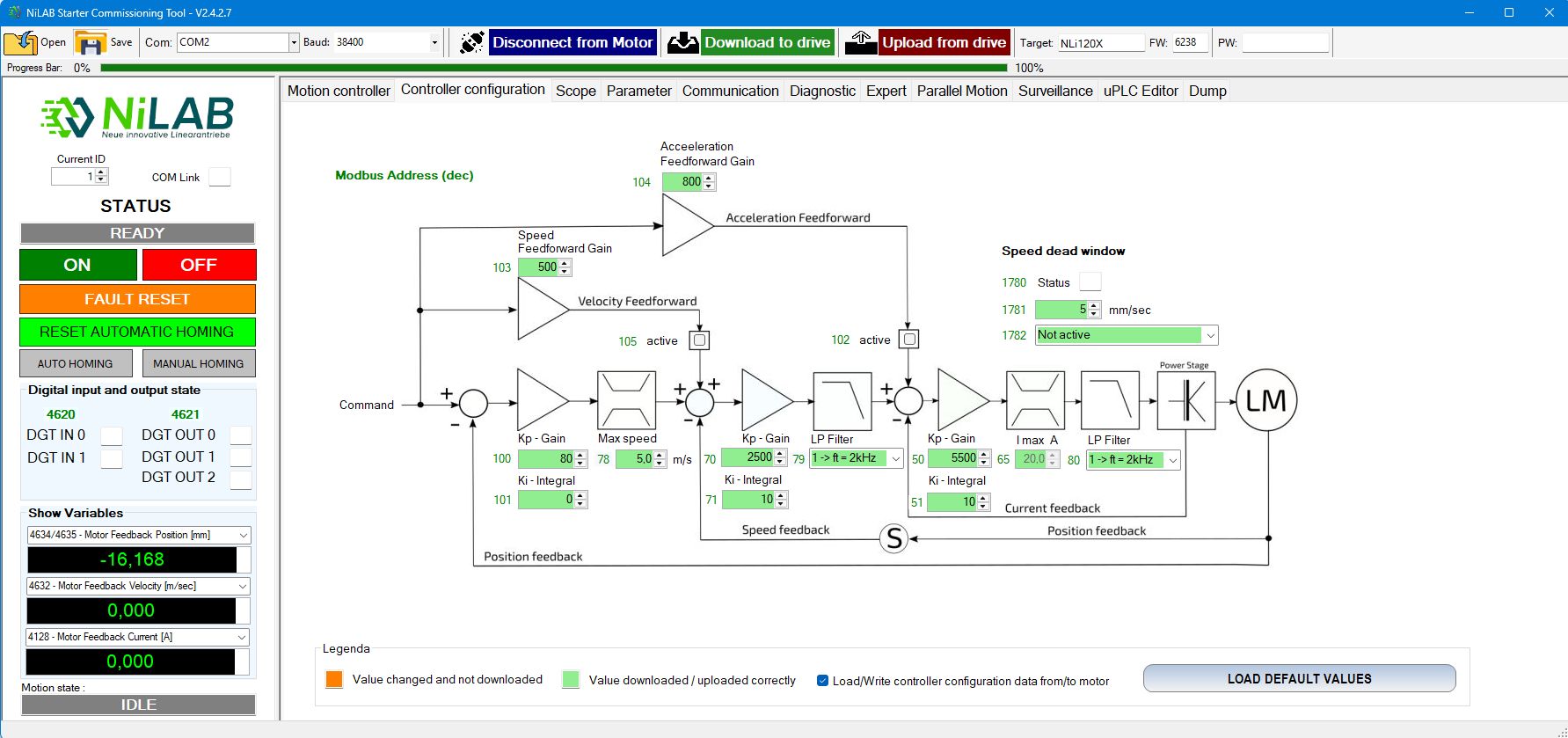
Controller Configuration
Easy setup and tuning of the control parameters for the three control loops: current, speed, and position.
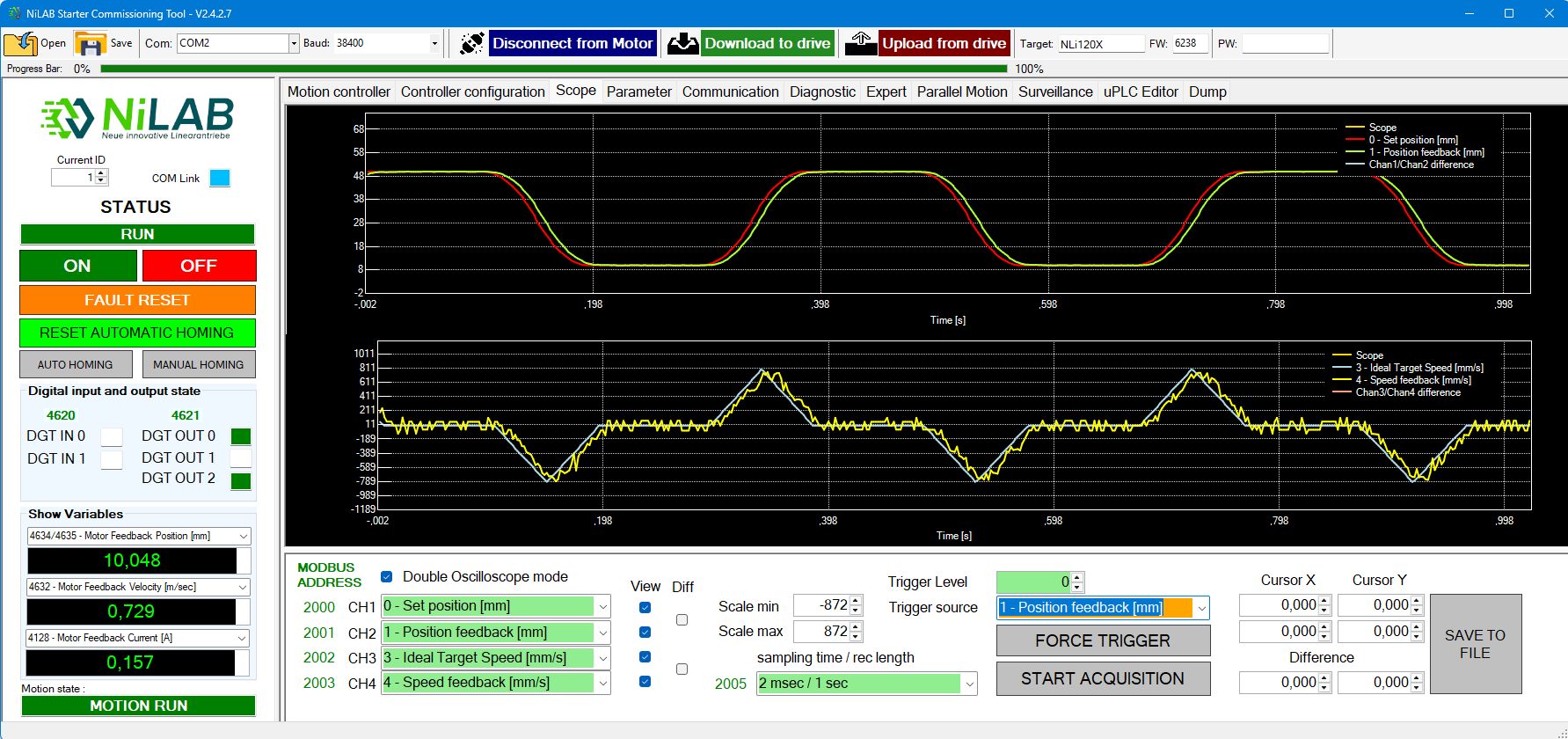
Scope
A four-channel oscilloscope with advanced trigger, cursor measurements, selectable sampling time, and automatic/manual scaling. Data can be dumped to a file.
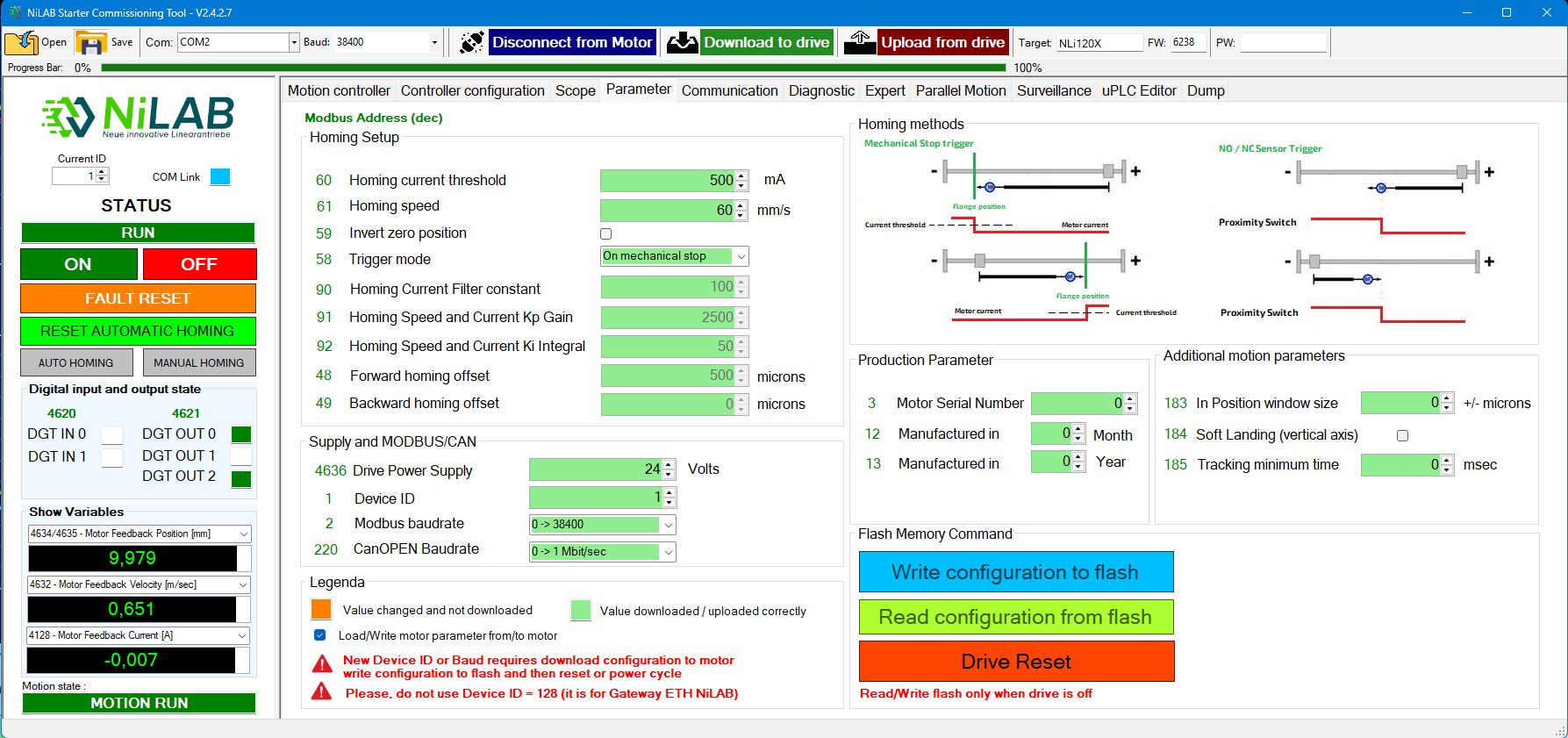
Motor Parameter
User-configurable homing function: on mechanical stop or via an external sensor, with selectable speed and direction. Full control over the motor parameters — nominal, peak, maximum temperature, and minimum DC supply detection. Firmware update and production parameter visualization are available for maintenance.
Communication
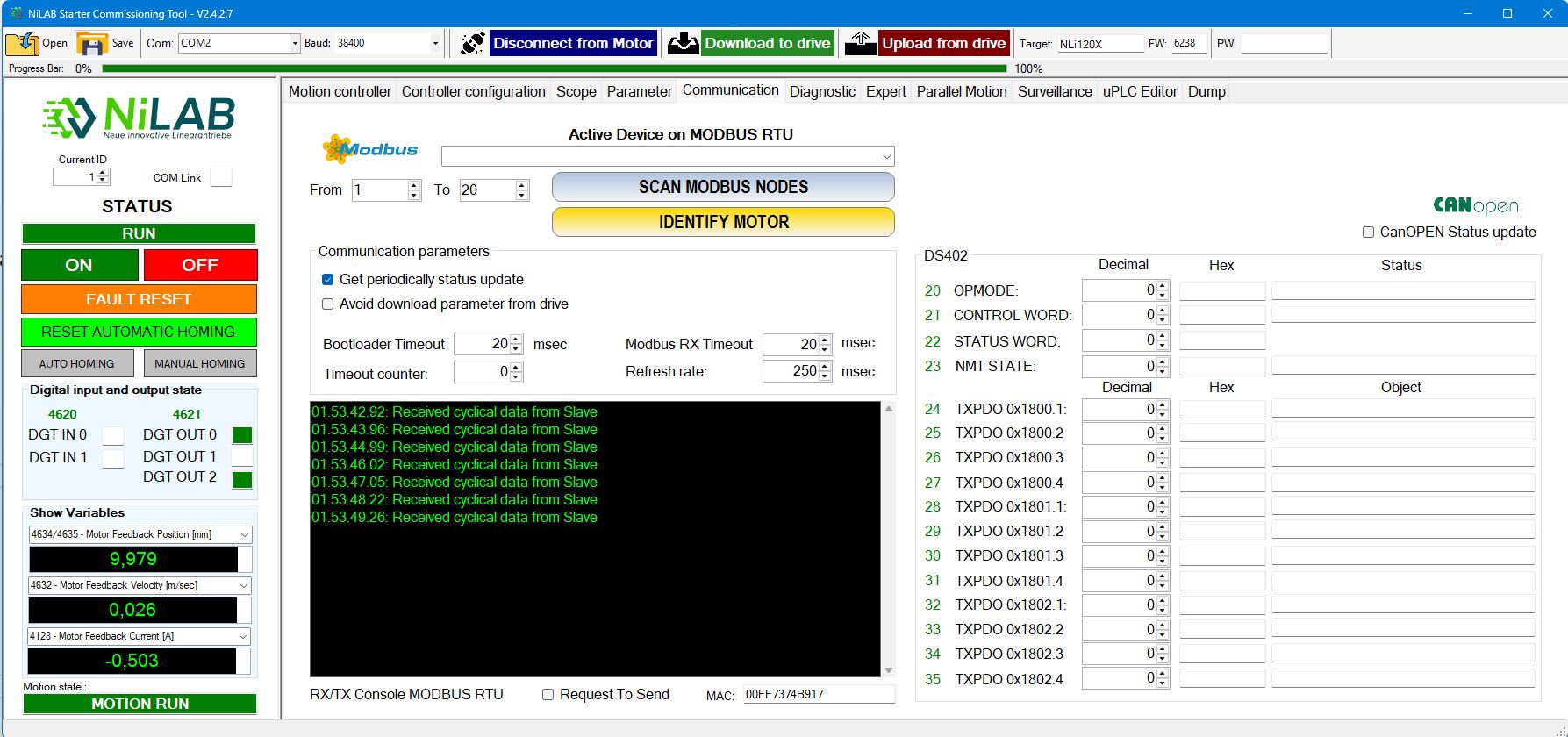
A MODBUS RTU communication console with a MODBUS node-scanning function to quickly identify the motors connected to the bus.
Diagnostic
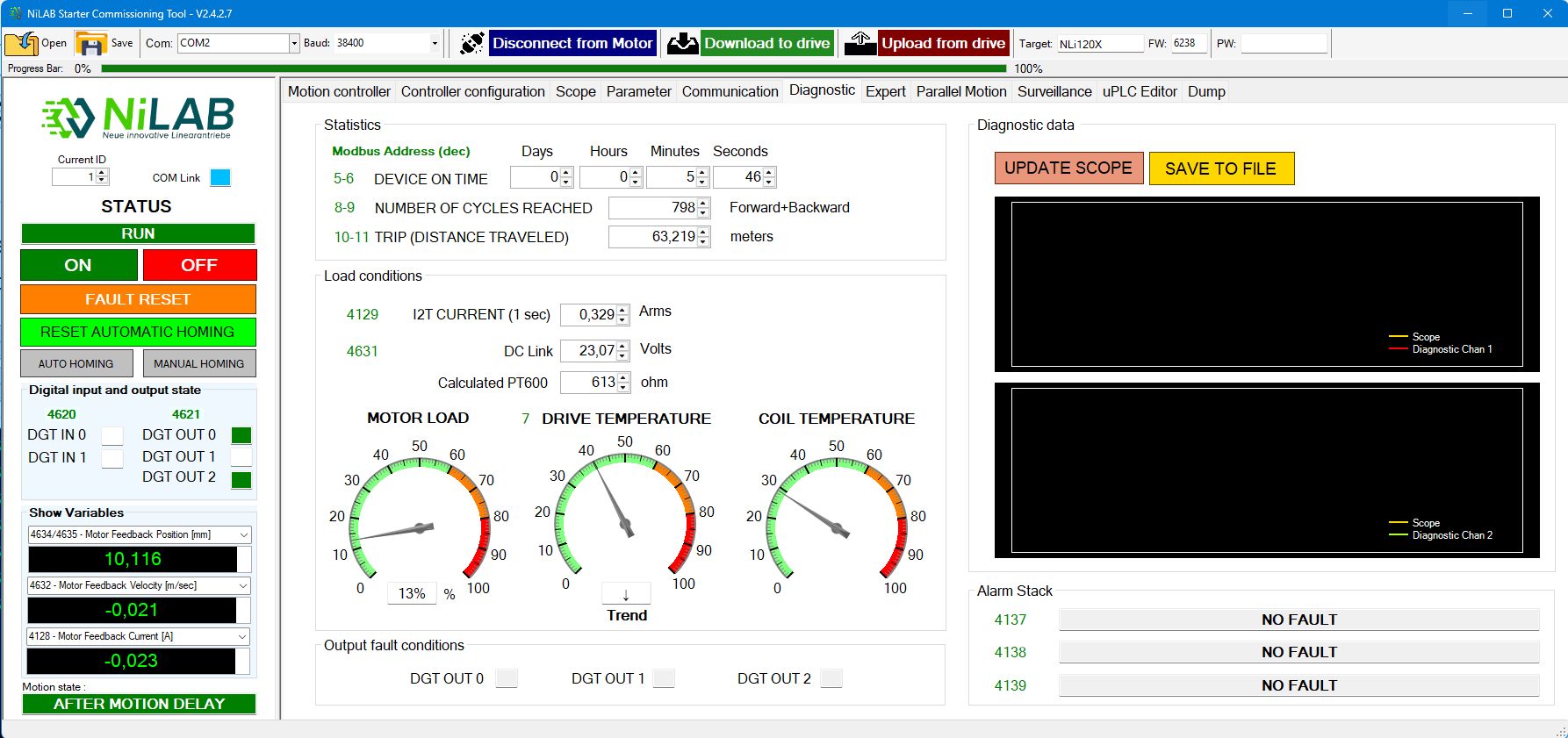
A simple and complete diagnostic tool with statistics for device on-time, number of cycles reached, and travel distance. It provides 512 minutes of storage for average current consumption and motor temperature, with scope and save-to-file options, plus real-time motor load conditions.
Expert
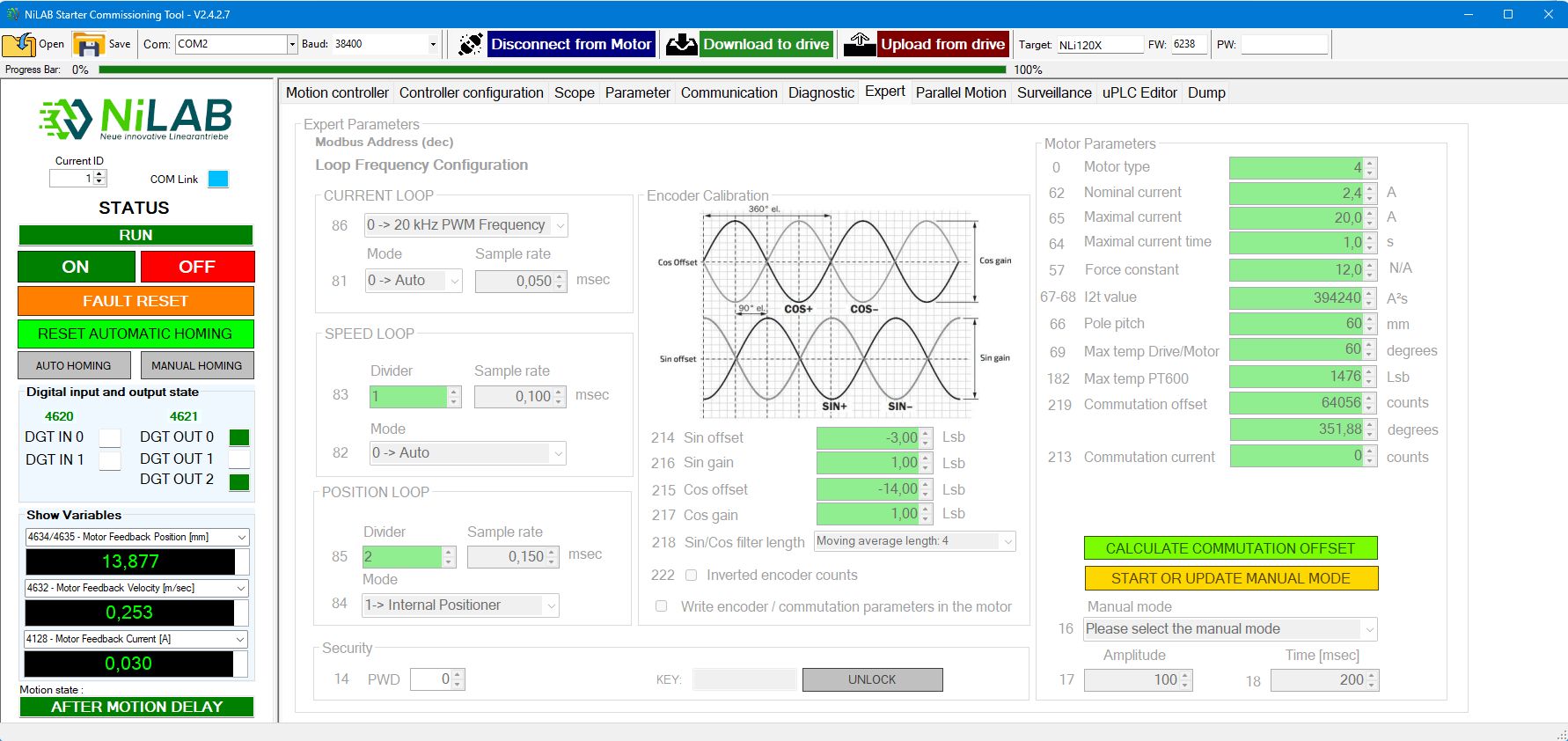
In this page you can change the motor parameters and the encoder calibration with phase calculation. You can also change the loop frequency. Expert mode is only accessible with a password unlock.
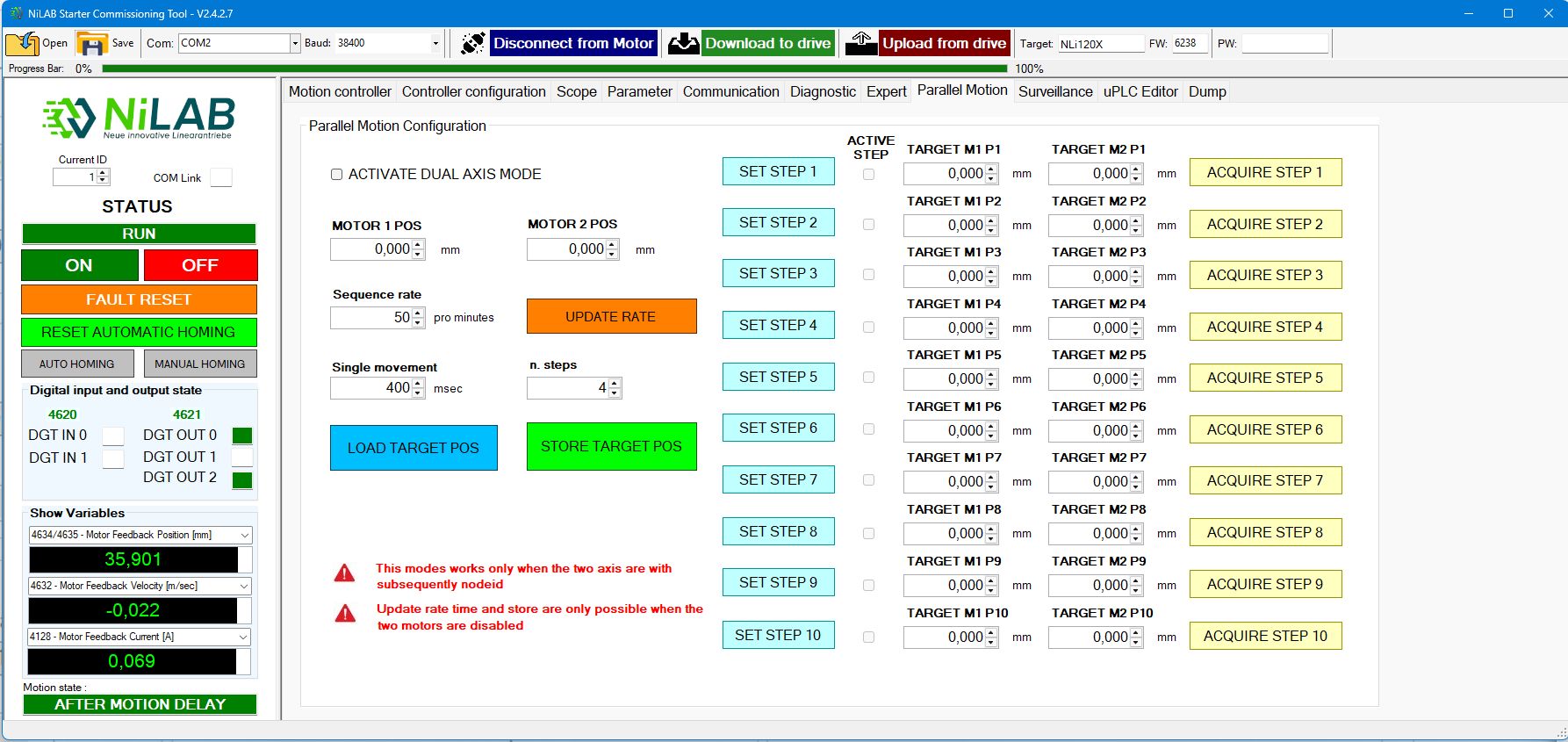
Parallel motion
Parallel motion is used to configure two motors in parallel to realize parallel kinematic applications or synchronized motion between two axes.
Surveillance
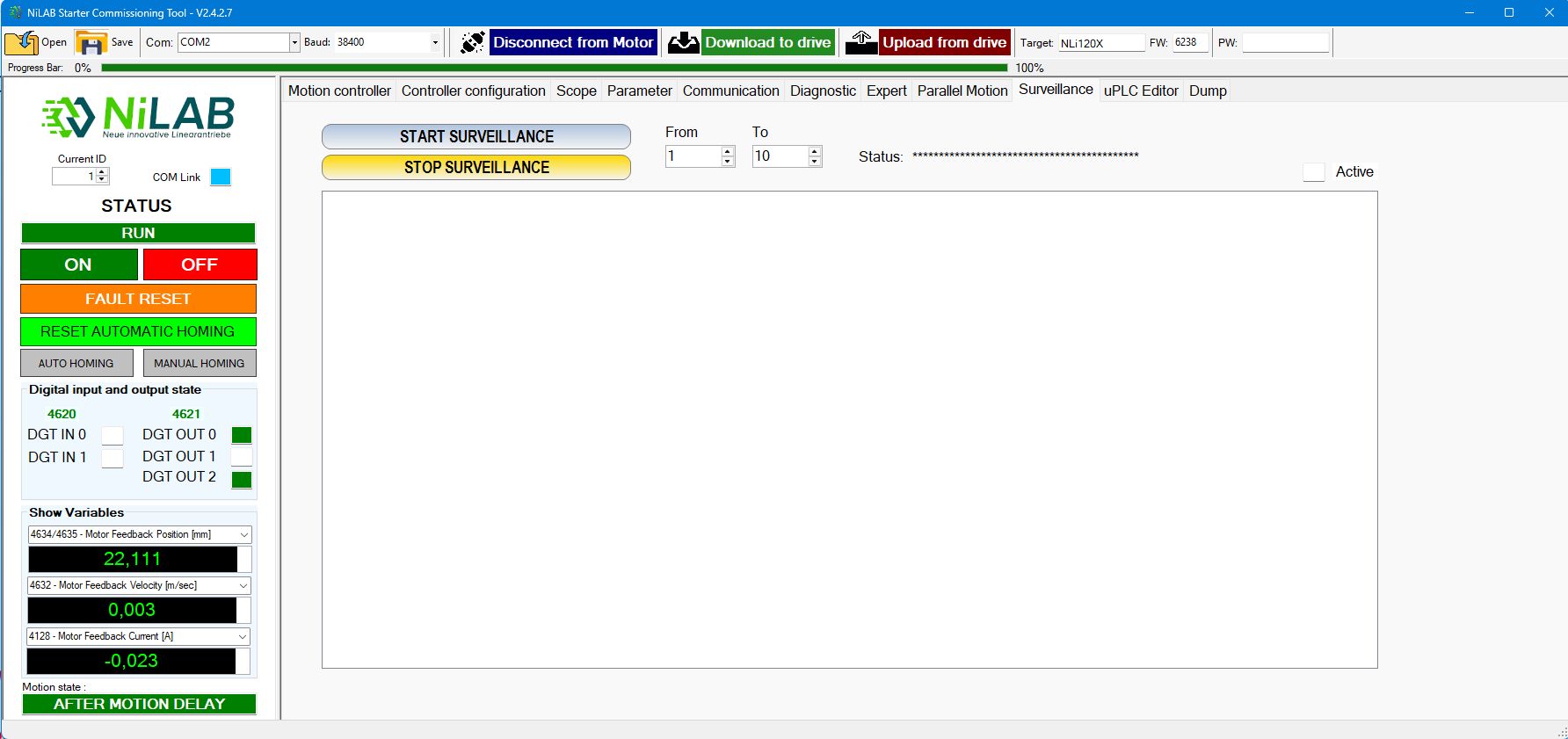
Surveillance is used to monitor different motors connected to the MODBUS at the same time.
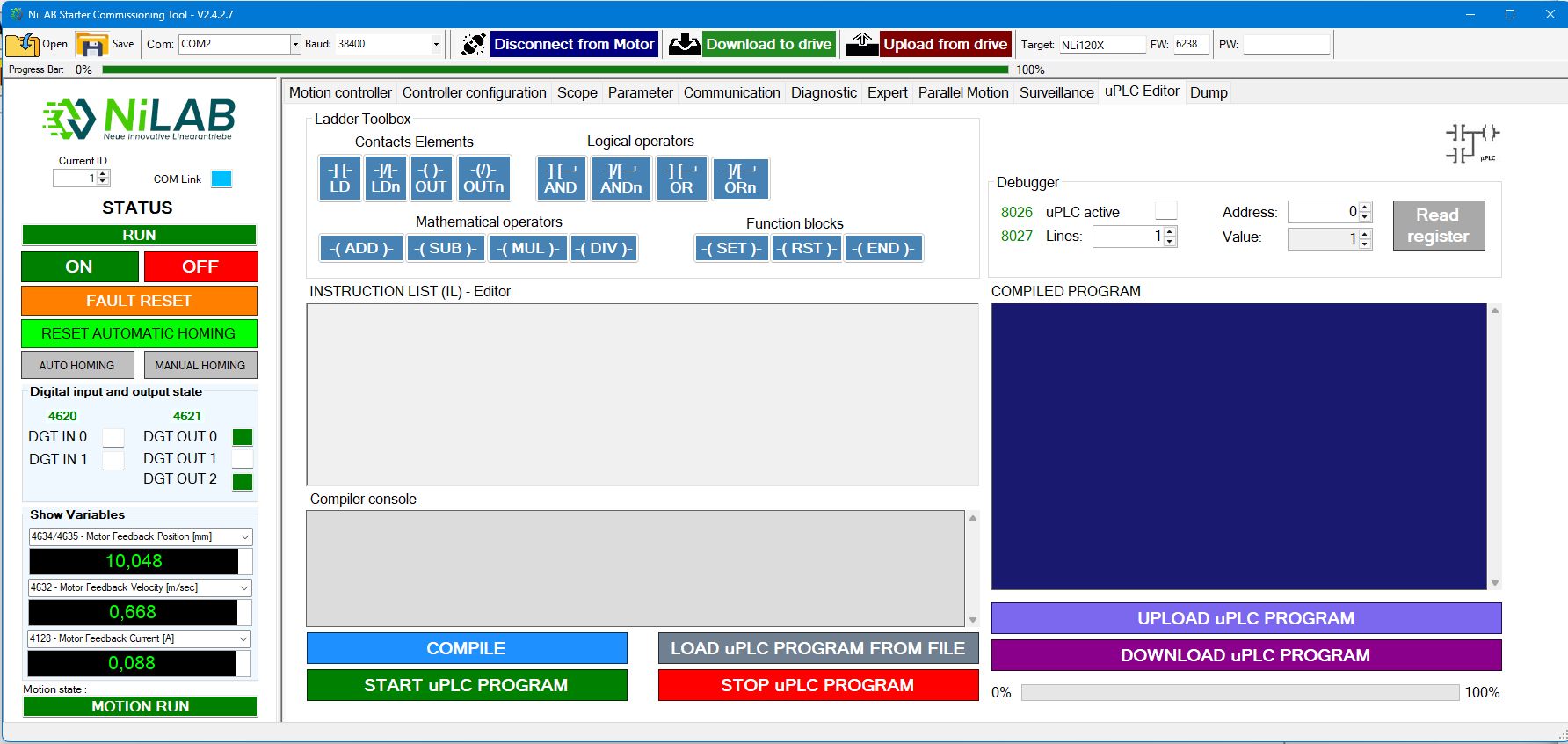
uPLC editor
This window is used for internal uPLC programming.