meta data for this page
Starter interface windows
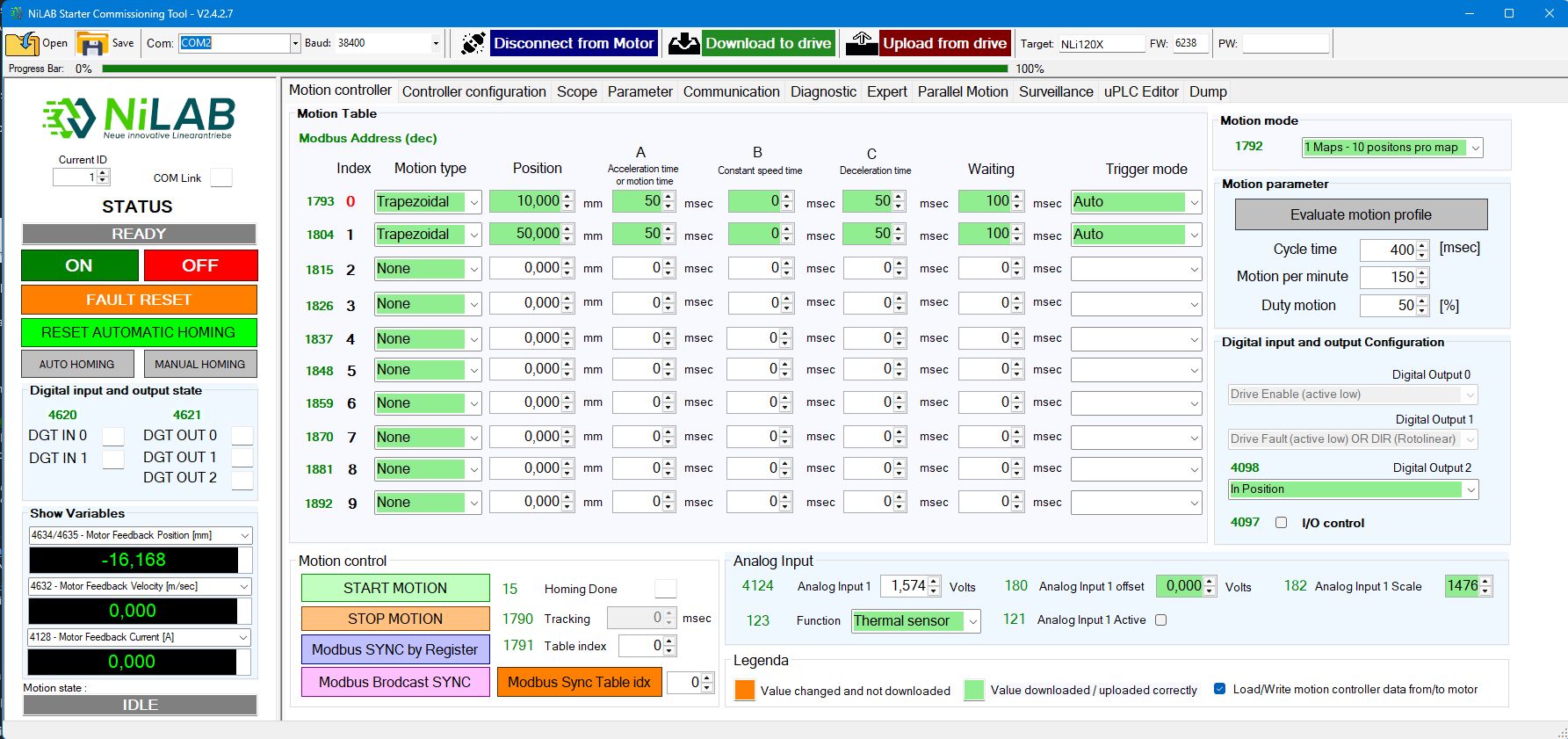
Motion Controller
Simple motion programming based on motion table with different options for motion type (triangle, trapezoidal, sinusoidal, polynomial and with force control).
Any rows of the table are independently configurable with position target, acceleration/deceleration time, waiting time and trigger mode.
Four different motion table modes are available: 1 table with 10 positions, 2 tables with 5 positions/table, 3 tables with 3 positions/table, 5 tables with 2 positions/table.
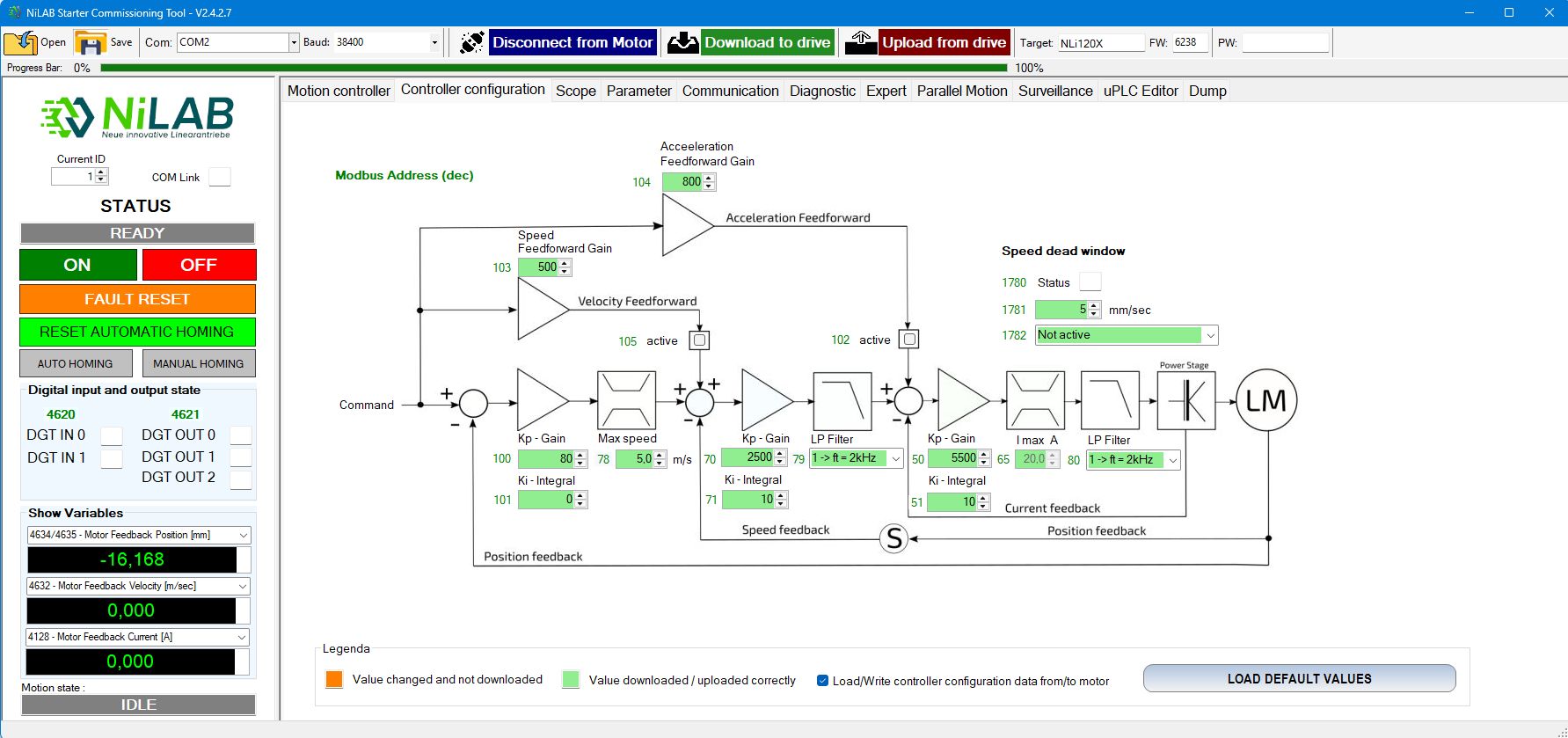
Controller Configuration
Easy setup and tuning of control parameters of the 3 control loops: current, speed and position.
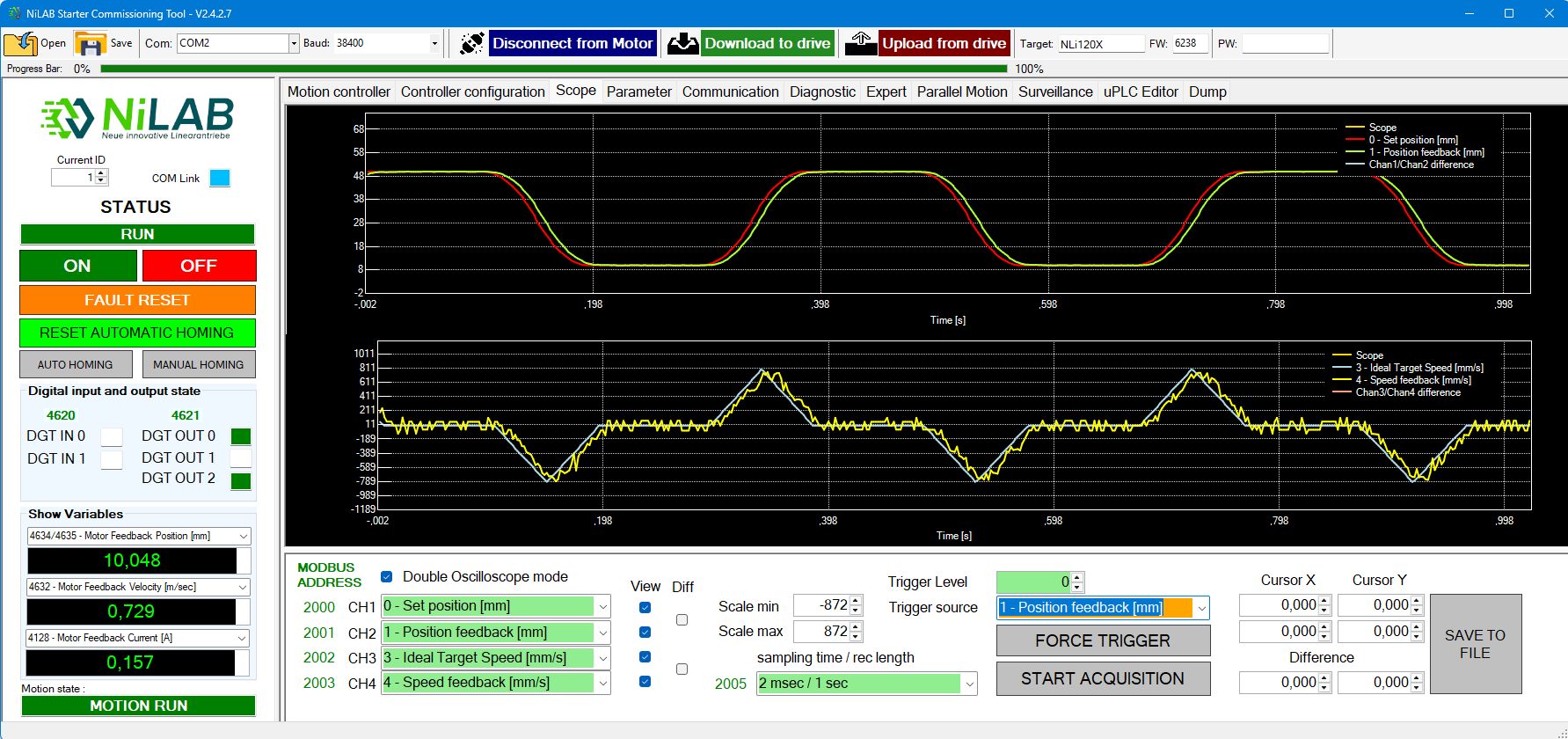
Scope
Four channels oscilloscope with advanced trigger, cursors measurements, selectable sampling time with automatic and manual scale. Data dumping to file.
Motor Parameter
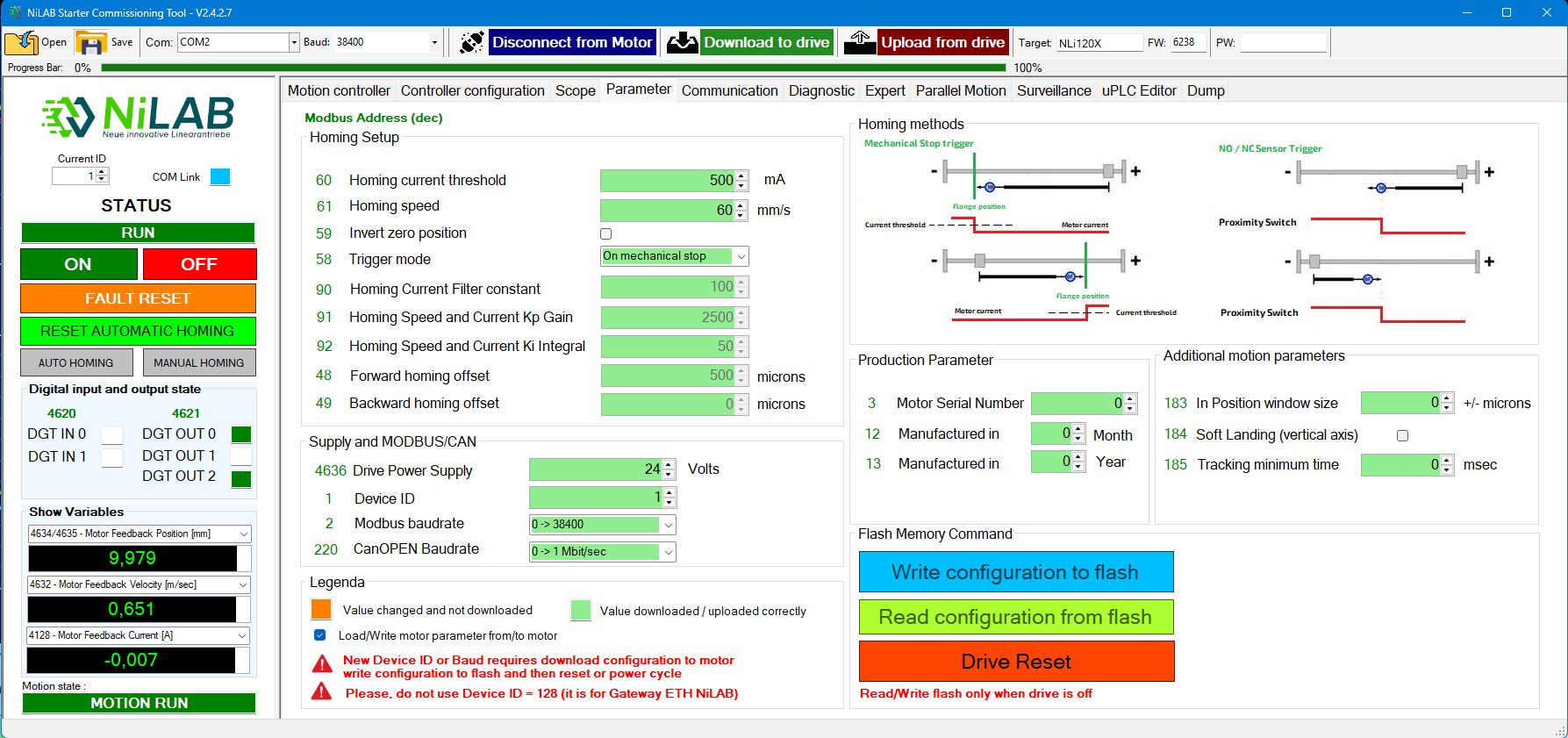
User configurable homing function: on mechanical stop or by external sensor with selectable speed and direction. Complete control on the motor parameters: nominal, peak, max. temperature, minimum DC power supply detection.
FW update and production parameter visualization to manage the maintenance.
Communication
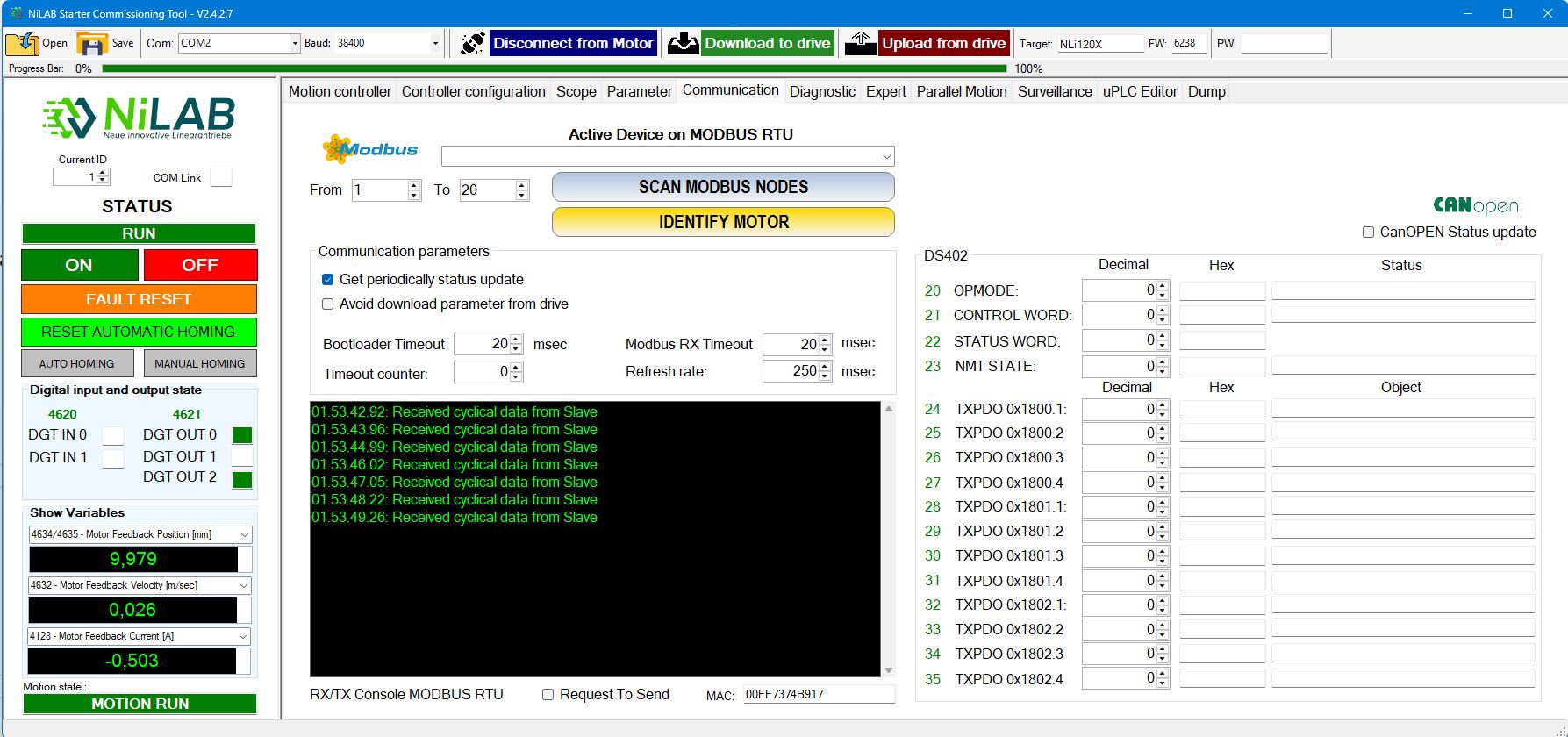
MODBUS RTU communication console with scanning MODBUS nodes functionality to simply identify the motors connected to the bus.
Diagnostic
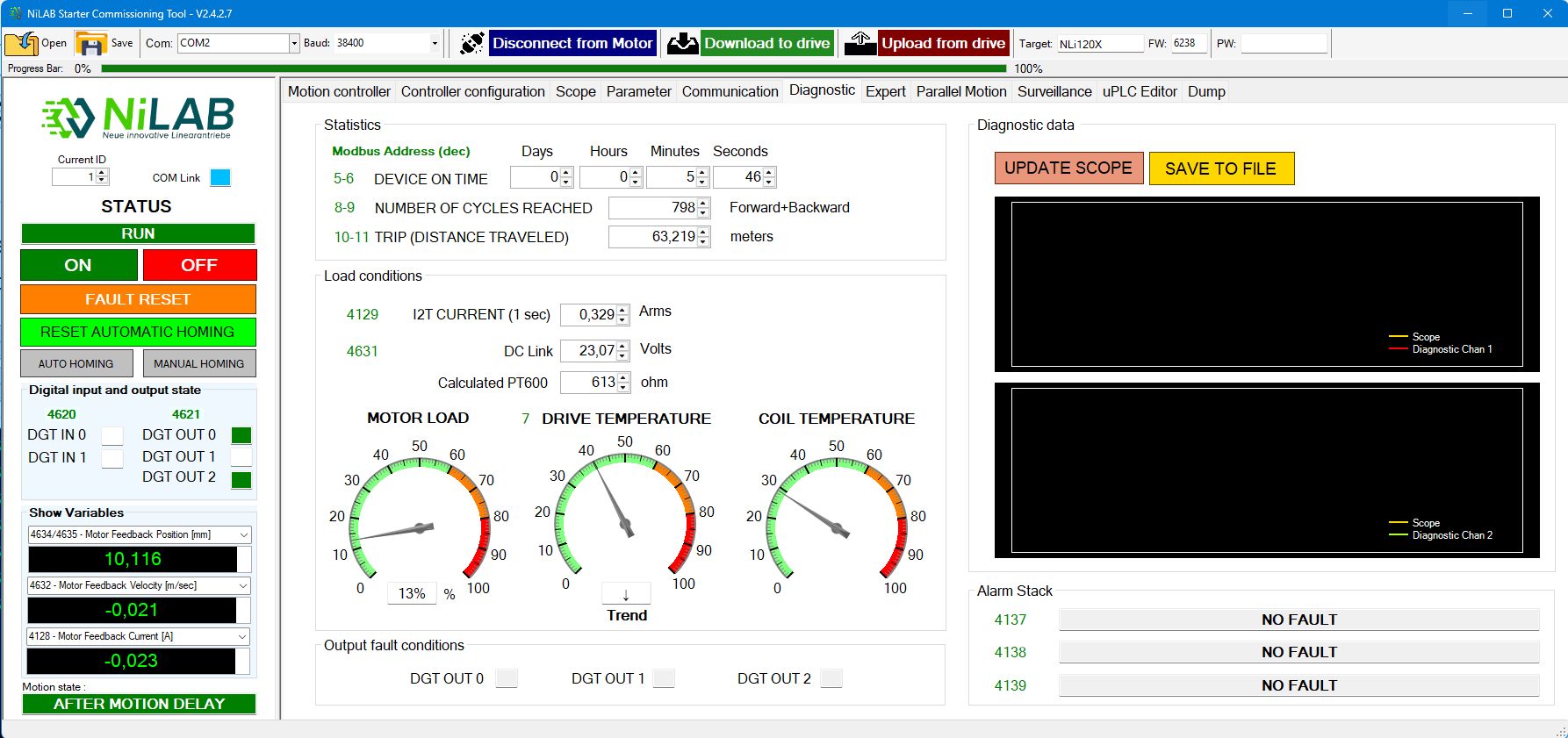
Simple and complete diagnostic tool with statistics for device on time, number of cycles reached, trip distance traveled. 512 minutes of storage for average current consumption and motor temperature with scope and save to file options.
Real time motor load conditions.
Expert
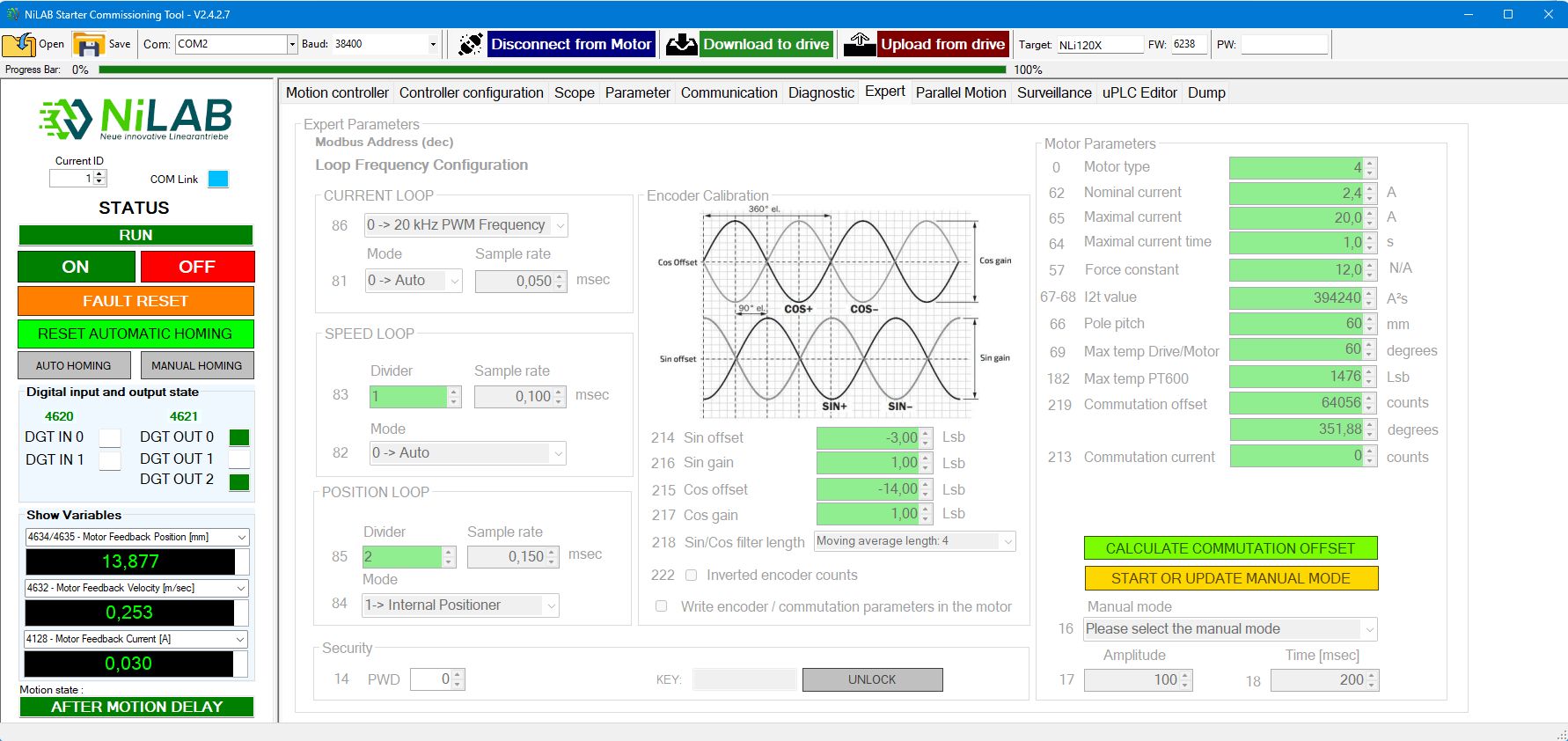
In this page you can change the motor parameters, the encoder calibration with phase calculation. Furthermore, you can change the loop frequency. Expert mode is only accessable with password unlock.
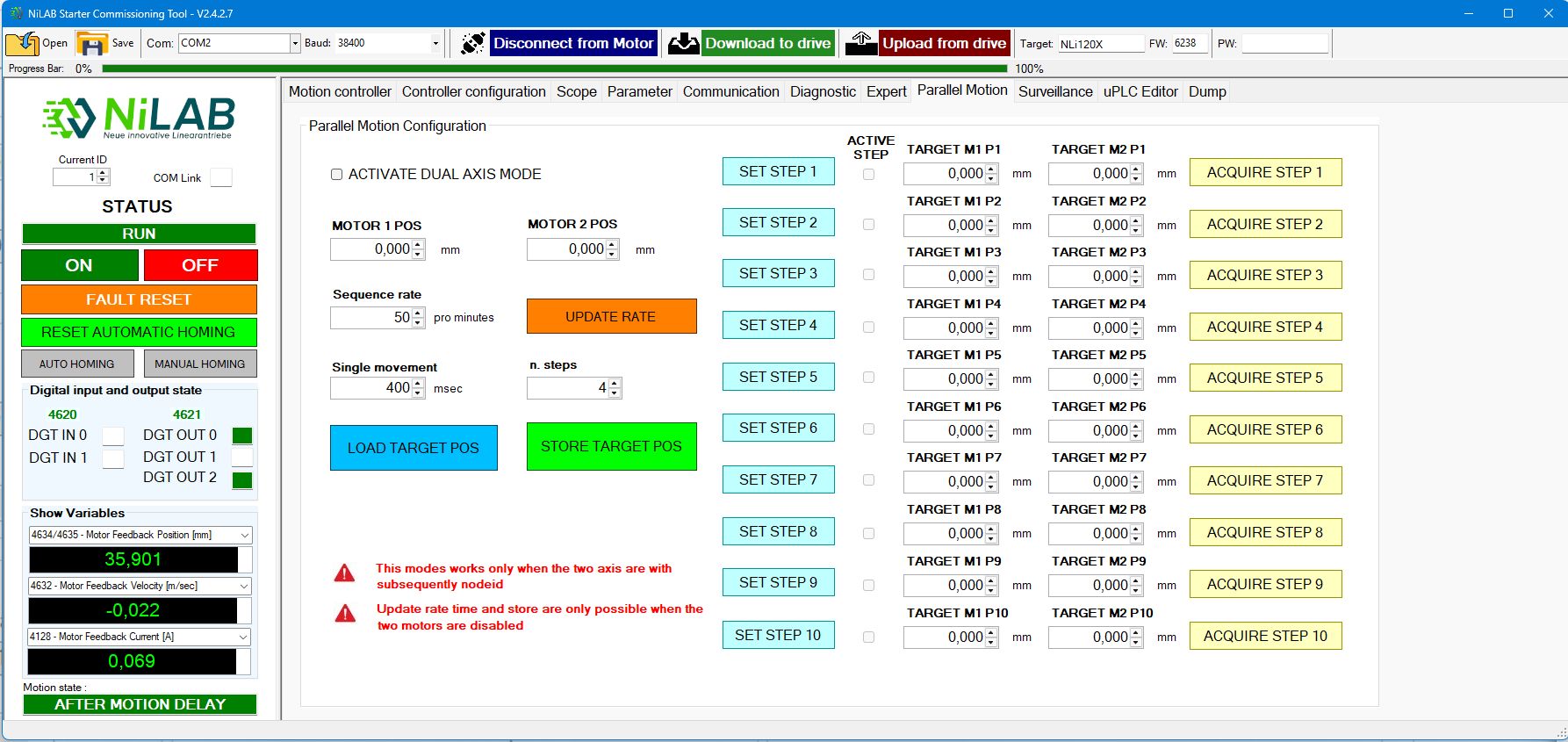
Parallel motion
Parallel motion is used to configure two motor in parallel to realise parallel kinematic application or synchronized motion between two axis.
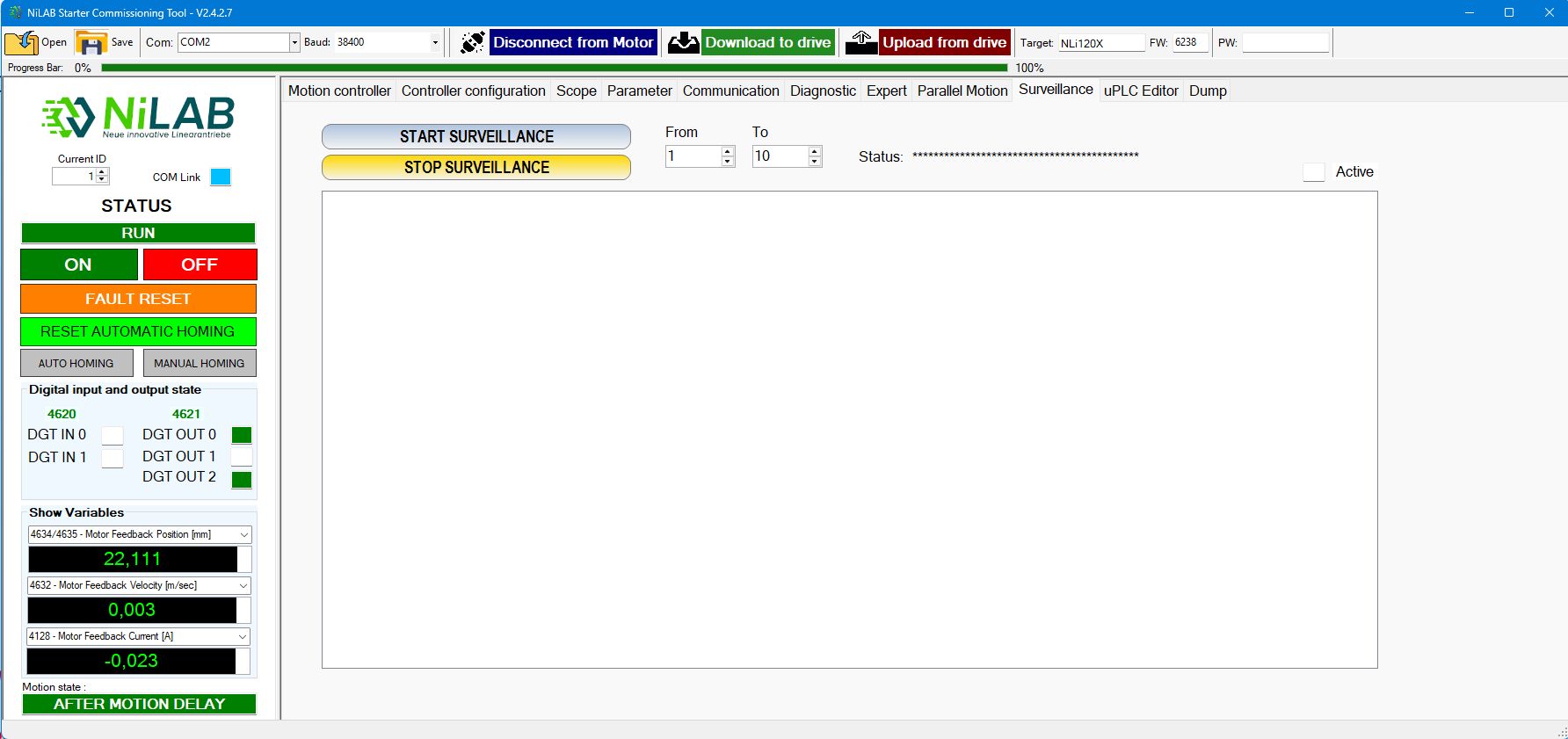
Surveillance
Survelliance is used when you would like to monitor at the same time different motors connected on the MODBUS.
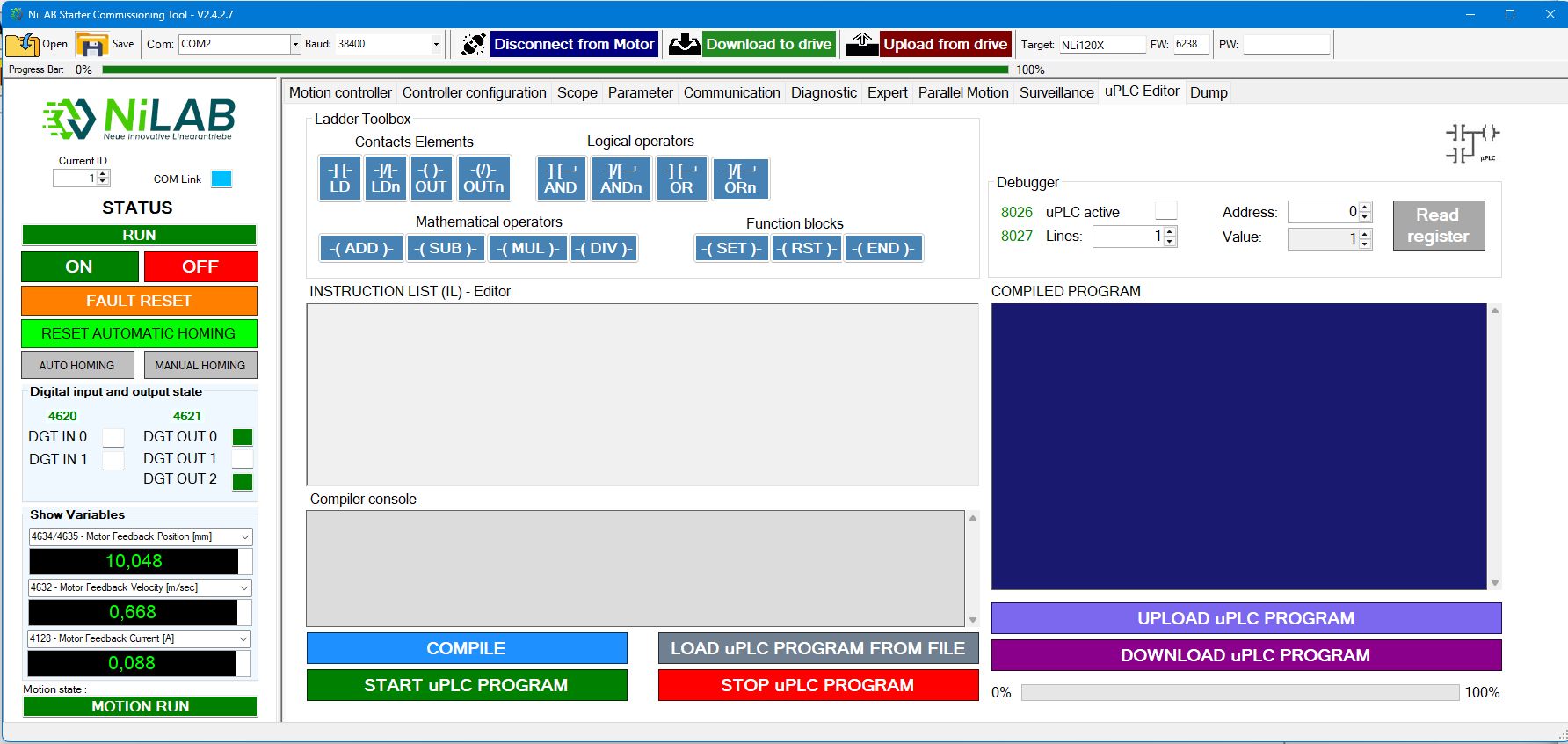
uPLC editor
This window is used for internal uPLC programming.